If your VAT Registration Number or Company Registration Number has changed, you can update it using the Forms Designer.
Update the Form
- Navigate to Setup > Forms Designer.
- Locate the invoice form you want to update.
- Double-click the form to open it in the Forms Designer.
- Find the text box containing the VAT Registration Number or Company Registration Number.
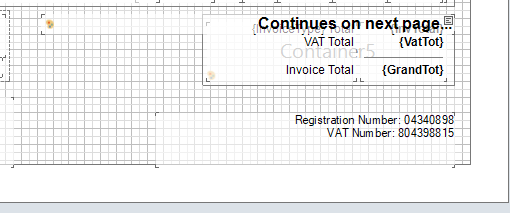
- Edit the text to reflect the new details.
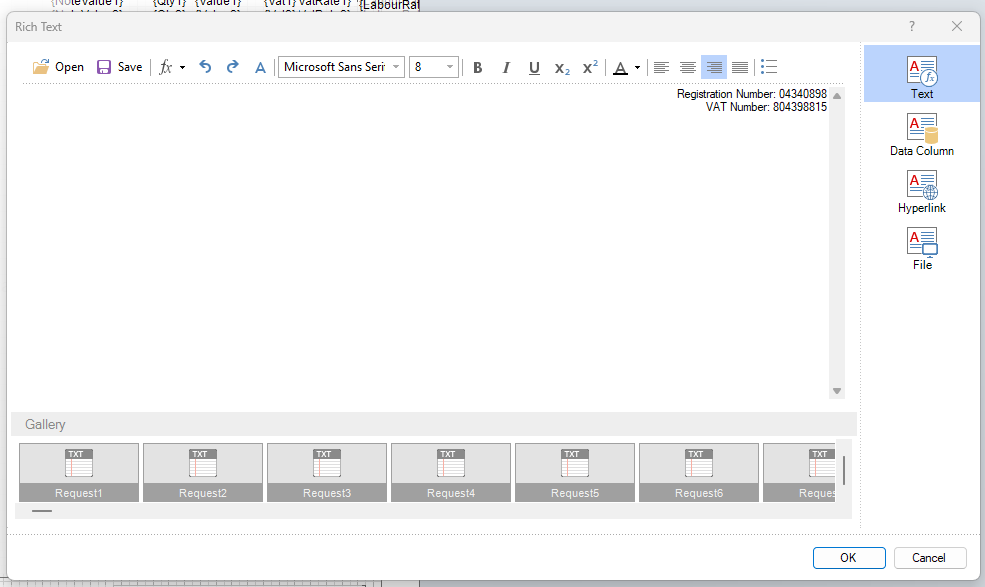
- Close the text box and confirm the correct information is displayed.
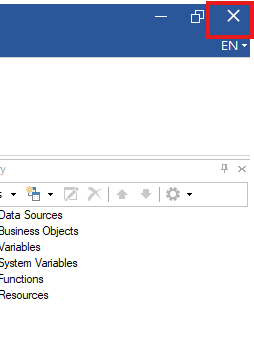
- Close the Forms Designer by selecting the X in the top-right corner. When prompted, save your changes.
When Will the Change Take Effect?
The updated information will be applied once users have logged out of Navigator and signed back in.
Note: If you use multiple invoice layouts, you'll need to repeat these steps for each form that contains the VAT Registration Number or Company Registration Number.
Was this article helpful?
That’s Great!
Thank you for your feedback
Sorry! We couldn't be helpful
Thank you for your feedback
Feedback sent
We appreciate your effort and will try to fix the article