A new Rebuild Diary option has been added to the Workshop Diary. This allows you to refresh the diary structure after changes have been made to technicians or operating hours.
Why This Matters
Rebuilding the diary ensures:
- New technicians appear correctly
- Updated opening hours are reflected
- Diary availability remains accurate
- Workshop scheduling remains up to date
When to Use Rebuild Diary
Use this option after:
- Adding a new technician
- Changing workshop opening times
- Making diary configuration changes
How to Rebuild the Diary
- Go to Workshop.
- Select Service Reception.
- Open Diary.
- Select Rebuild Diary.
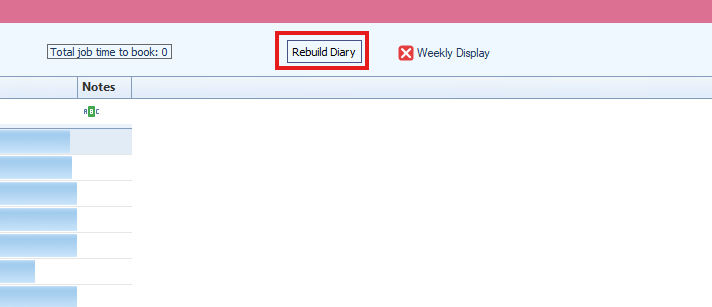
The diary will refresh using the latest configuration settings.
Result
The workshop diary is rebuilt and updated with current technician and scheduling information.
Was this article helpful?
That’s Great!
Thank you for your feedback
Sorry! We couldn't be helpful
Thank you for your feedback
Feedback sent
We appreciate your effort and will try to fix the article