Manually sorting your Nominal Transaction reports provides greater transparency, allowing for a more granular analysis of your business costs.
To organise your data:
Run your desired transaction report.
Select and drag any column header into the grouping area at the top of the grid.
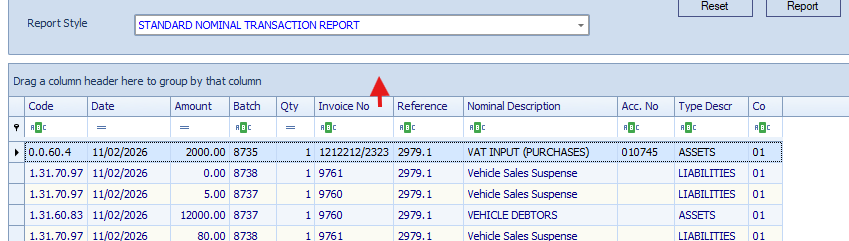
Layer multiple headers to create nested groups (e.g., grouping by 'Code' then 'Date' then 'Batch'), providing a more structured view of your transaction report data.
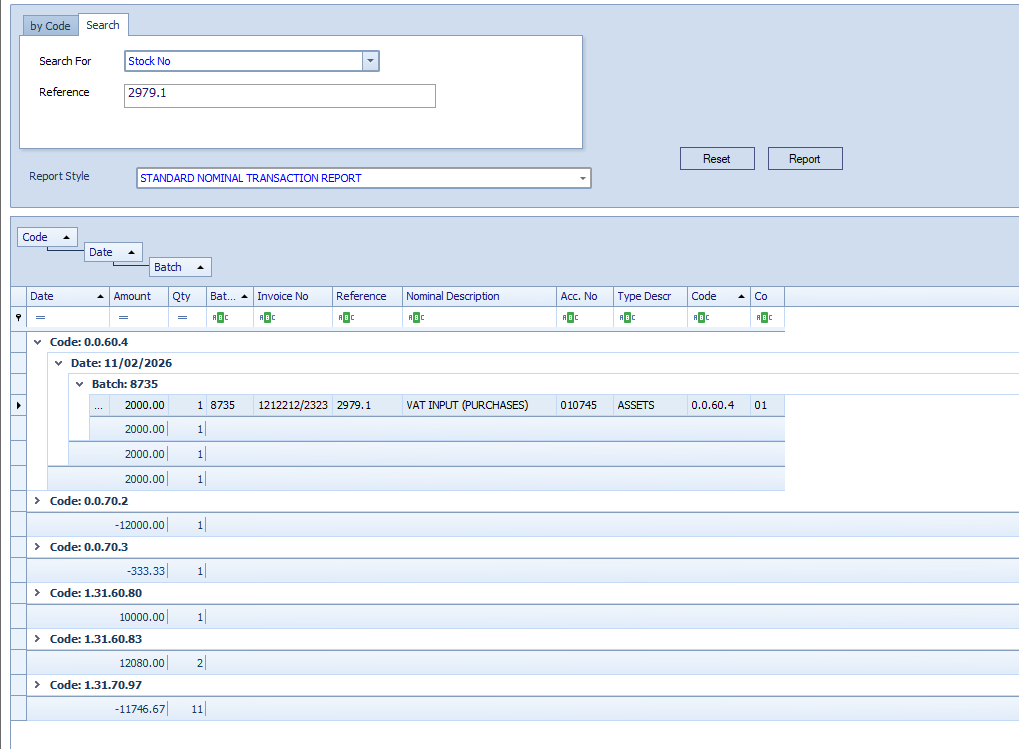
To see this in action, watch the below video.
Was this article helpful?
That’s Great!
Thank you for your feedback
Sorry! We couldn't be helpful
Thank you for your feedback
Feedback sent
We appreciate your effort and will try to fix the article