Any email sent through Navigator uses the email address set on your staff record.
You can configure or update this in Setup > Staff Records under the Basic Details tab.
Managers typically have access to this area. If emails are not being sent, ask your manager to check that your staff record includes your correct email address.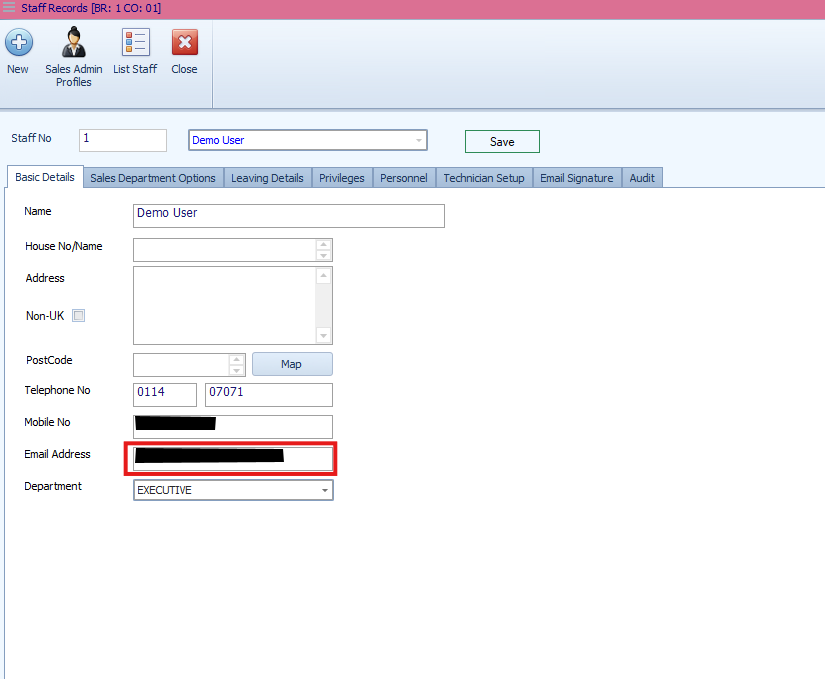
Why This Matters
Emails are sent using the address linked to your staff record. If this address is missing or incorrect, messages may fail to send or go to the wrong recipient. Ensuring your staff record is up to date keeps your communications reliable and traceable.
Was this article helpful?
That’s Great!
Thank you for your feedback
Sorry! We couldn't be helpful
Thank you for your feedback
Feedback sent
We appreciate your effort and will try to fix the article