The Technician App now includes voice-to-text functionality. This allows technicians to record job notes hands-free using their voice instead of typing.
Where to Use Voice Notes
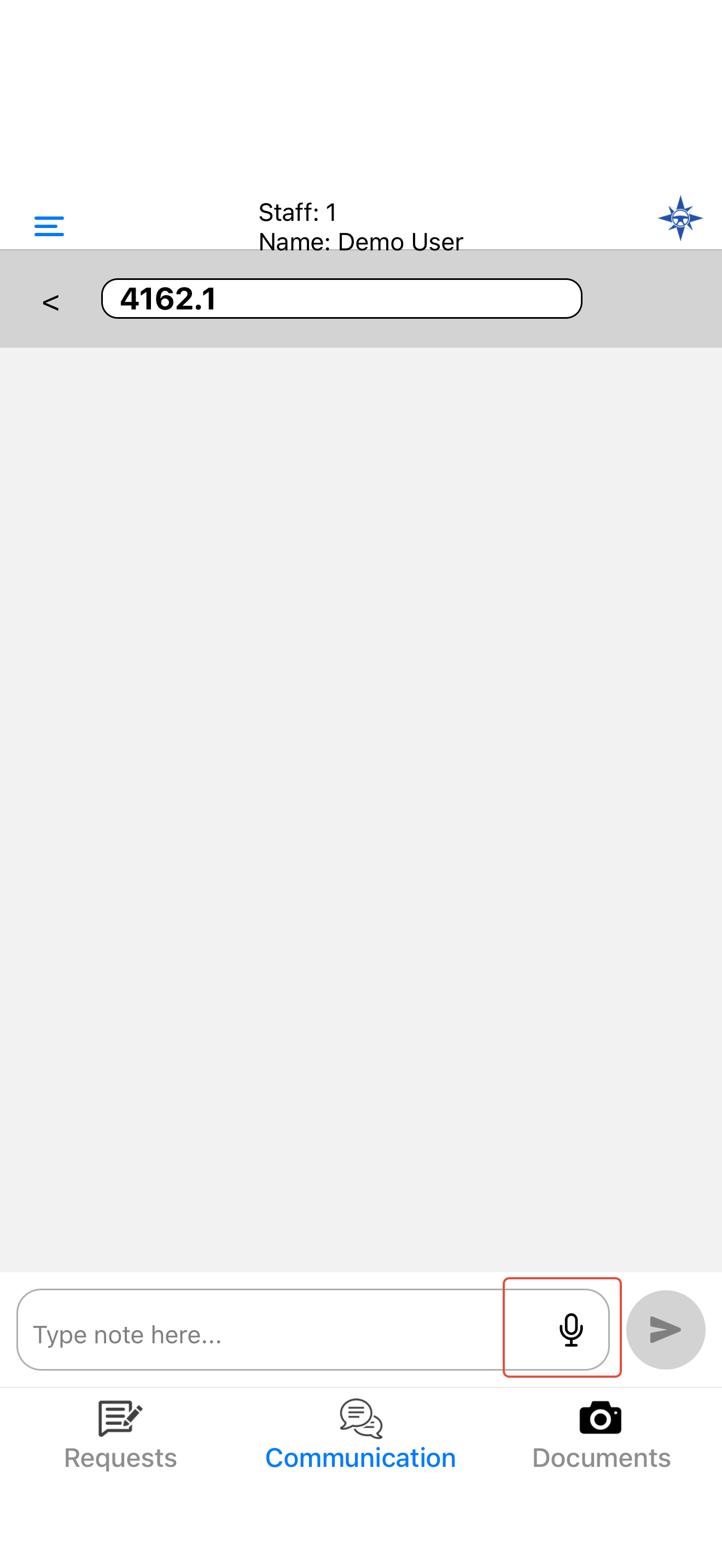
From the Communication screen within a job by pressing the Mic icon.
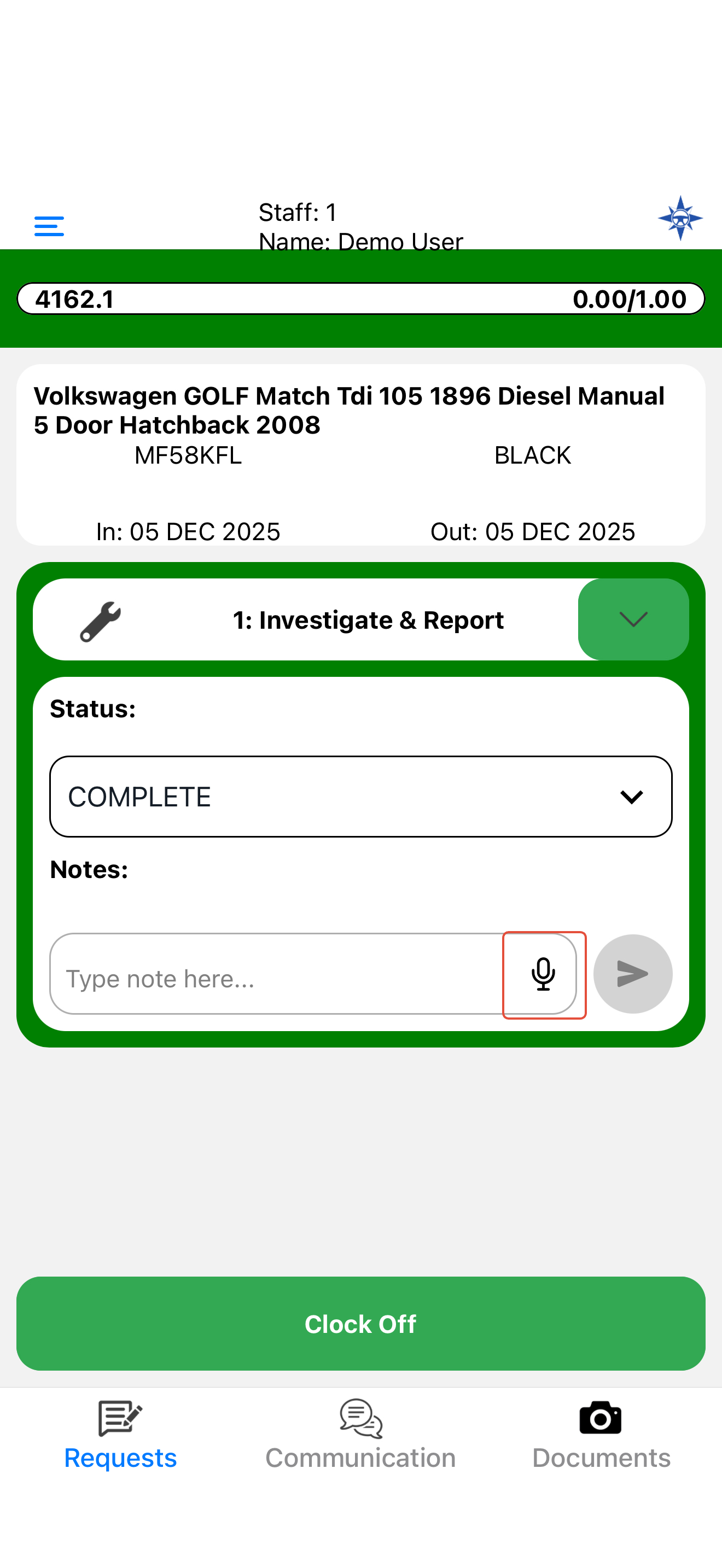
From the Notes box on the Request Line by pressing the Mic icon.
Why This Matters
Recording notes by voice saves time, reduces manual typing, and ensures key details are captured immediately after work is done. It improves accuracy and consistency in job reporting, especially when technicians are working in the field.
Was this article helpful?
That’s Great!
Thank you for your feedback
Sorry! We couldn't be helpful
Thank you for your feedback
Feedback sent
We appreciate your effort and will try to fix the article