You can preload new technician starters and automatically assign their working hours on the diary.
To do this:
Go to Setup > Staff Records > Technician Setup.
Open or create the technician record.
Enter the Start Date for the technician.
When a start date is set, the system automatically preloads the technician and their working hours onto the diary from that date onward.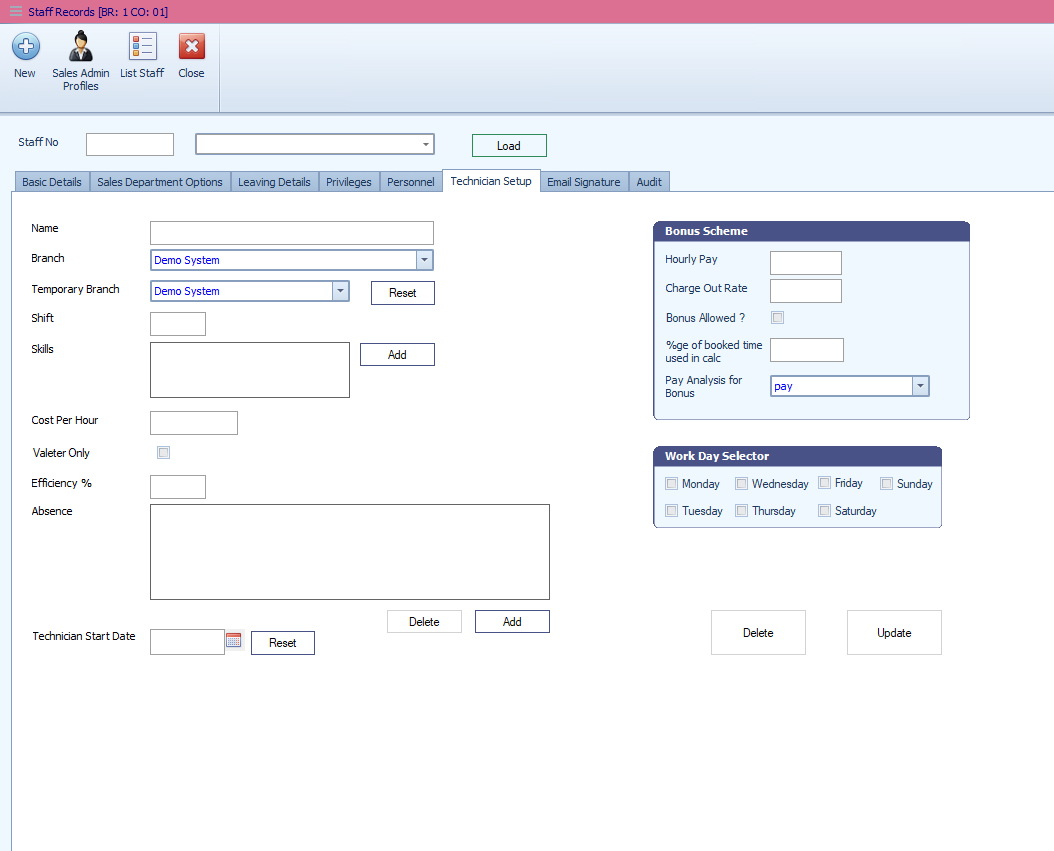
Was this article helpful?
That’s Great!
Thank you for your feedback
Sorry! We couldn't be helpful
Thank you for your feedback
Feedback sent
We appreciate your effort and will try to fix the article