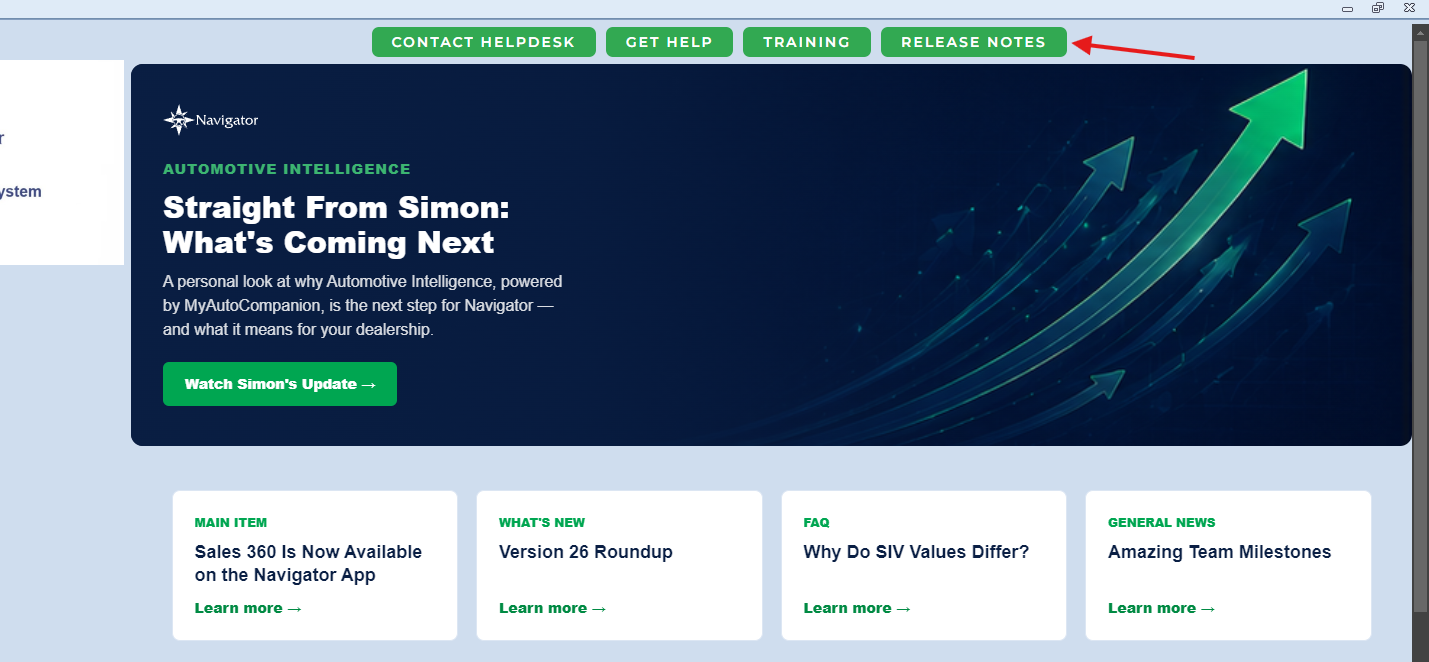
We’ve improved the way revision notes are presented in Navigator, making it much easier to understand exactly what has changed in each release.
Previously, revision notes could sometimes be quite brief, simply confirming that a defect had been resolved. The updated format now provides much more useful detail against each individual defect.
What has changed?
Revision notes will now include:
- The defect reference
- A clearer description of the issue that was reported
- Details of what was causing the problem
- An explanation of what was changed to resolve it
- More useful context around the area of Navigator affected
This means that instead of simply seeing that a defect has been “fixed”, you can now understand what the fix actually involved.
Why have we made this change?
Better revision notes make it easier for users, support teams and system administrators to understand the impact of an update.
They can also help when reviewing an issue that has previously been reported, as the notes provide a clearer record of the work that was completed.
For example, where a defect relates to a calculation, process or particular workflow, the revision notes can now explain which part of that process was corrected rather than simply listing the defect number.
Johnny 5 can help too
Johnny 5 is also trained on the updated revision notes, which means you can ask whether a particular issue has already been fixed.
If the relevant defect has been included in a release, Johnny 5 can use the revision note information to advise on:
- Whether the issue has been resolved
- Which release included the fix
- What the defect related to
- What was changed as part of the fix
This makes it easier to get a quick answer without having to manually work through previous release notes.
More useful release information
The aim is to make revision notes a much more useful resource when reviewing a Navigator update.
With more detail provided for each defect, you can more easily identify whether an issue affecting you has been resolved, understand what behaviour has changed and see exactly what was updated.
Combined with Johnny 5, the improved revision notes also make historical fix information much easier to find and use.
Was this article helpful?
That’s Great!
Thank you for your feedback
Sorry! We couldn't be helpful
Thank you for your feedback
Feedback sent
We appreciate your effort and will try to fix the article